




L’afterwork a été une excellente occasion de découvrir des techniques, des pratiques et d’échanger sur des cas – un très bon moment.
bac_1234Fromdigitalplanningtoimplantrestoration
Progressiveclinicalpathwayintegratingcontemporarydigitalworkflows
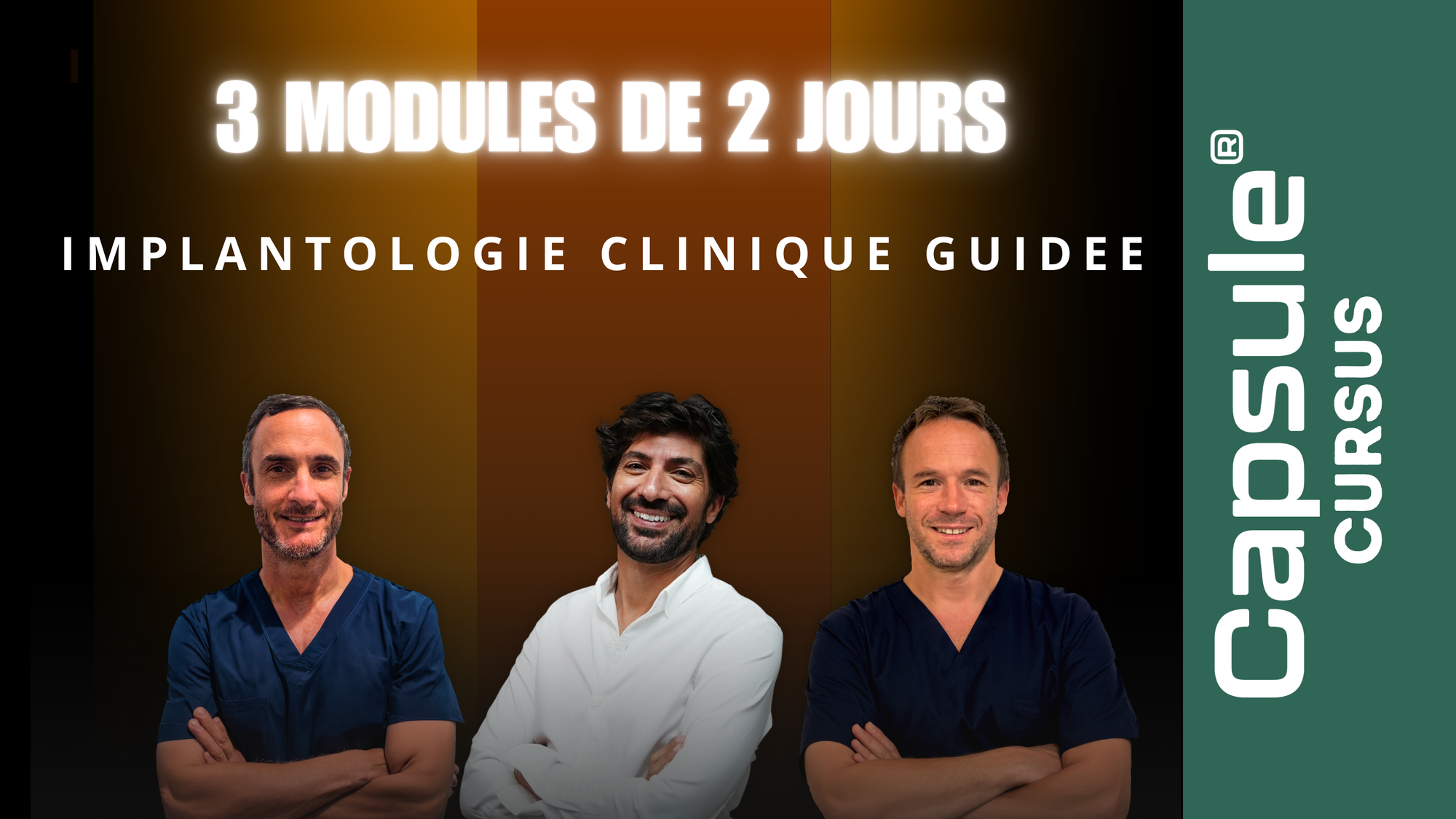
3modulesof2days
Thistrainingcoursewasdesignedtoenablepractitionerstointegrateimplantologyintotheirdailypracticeinaprogressive,secure,andsustainableway,relyingonthelatestdigitalworkflowstooptimizeandensurethereliabilityofthemanagementofsimpletomoderateclinicalcases.
Clinicalsimplicitydoesnotmeantechnicaloversimplification:simplecasestodaydeservethemostprecisetoolsandthemostadvanceddigitalworkflowstoguaranteethesafety,reproducibility,anddurabilityoftreatments.
Bytheendofthefirstmodule,participantswillbeabletoplaceasingleimplantintheoffice,withinasecureclinicalsetting.Thespreadofthetrainingoverseveralmonthsthenallowsforpersonalizedsupportduringtheprostheticphase,appliedtorealcasestreatedbytheparticipants.
From digital planning to implant restoration
Progressive clinical pathway integrating contemporary digital workflows
3 modules of 2 days
This training course was designed to enable practitioners to integrate implantology into their daily practice in a progressive, secure, and sustainable way, relying on the latest digital workflows to optimize and ensure the reliability of the management of simple to moderate clinical cases.
Clinical simplicity does not mean technical oversimplification: simple cases today deserve the most precise tools and the most advanced digital workflows to guarantee the safety, reproducibility, and durability of treatments.
By the end of the first module, participants will be able to place a single implant in the office, within a secure clinical setting. The spread of the training over several months then allows for personalized support during the prosthetic phase, applied to real cases treated by the participants.
Intervenant(s)

Dr Karim Nasr

Dr Bertrand Arcaute

Dr Rodolphe Martin
Objectifs pédagogiques
Programmes
GUIDED CLINICAL IMPLANTOLOGY
Sold out
€3.900,00 EUR
Payez enPlus d'infos
Paiement en plusieurs fois disponible sur demande
Payez en2x3x4x
Plus d'infos
Pickup currently unavailable at
Éligible FIF PL
Cette formation est référencée au catalogue FIF PL. En tant que praticien libéral, vous pouvez demander sa prise en charge : la démarche se fait en ligne, en amont de la formation.
bac_1234Fromdigitalplanningtoimplantrestoration
Progressiveclinicalpathwayintegratingcontemporarydigitalworkflows
3modulesof2days
Thistrainingcoursewasdesignedtoenablepractitionerstointegrateimplantologyintotheirdailypracticeinaprogressive,secure,andsustainableway,relyingonthelatestdigitalworkflowstooptimizeandensurethereliabilityofthemanagementofsimpletomoderateclinicalcases.
Clinicalsimplicitydoesnotmeantechnicaloversimplification:simplecasestodaydeservethemostprecisetoolsandthemostadvanceddigitalworkflowstoguaranteethesafety,reproducibility,anddurabilityoftreatments.
Bytheendofthefirstmodule,participantswillbeabletoplaceasingleimplantintheoffice,withinasecureclinicalsetting.Thespreadofthetrainingoverseveralmonthsthenallowsforpersonalizedsupportduringtheprostheticphase,appliedtorealcasestreatedbytheparticipants.
From digital planning to implant restoration
Progressive clinical pathway integrating contemporary digital workflows
3 modules of 2 days
This training course was designed to enable practitioners to integrate implantology into their daily practice in a progressive, secure, and sustainable way, relying on the latest digital workflows to optimize and ensure the reliability of the management of simple to moderate clinical cases.
Clinical simplicity does not mean technical oversimplification: simple cases today deserve the most precise tools and the most advanced digital workflows to guarantee the safety, reproducibility, and durability of treatments.
By the end of the first module, participants will be able to place a single implant in the office, within a secure clinical setting. The spread of the training over several months then allows for personalized support during the prosthetic phase, applied to real cases treated by the participants.
Cart
Capsule Partner Space
Your partner venue for this training


Description
Transport à Pamiers
The Château de Roques is only a 20-minute drive from the Capsule training center.
Château de Roques in Ariège
La Forge, 09500 Teilhet
Tarif négocié de l'hôtel
Junior Suite (40sqm), Pyrenees/Gardens/Lake View; Deluxe Double Room (small size); Deluxe Double/Twin (small room)
Code de réduction à fournir
CAPSULE
Cliquez pour copier le code
Téléphone
06.82.90.13.18
1 / 1
Access requirements
In the event of a disability, a feasibility study will be conducted to offer adapted training. A training room meeting accessibility standards for public reception is available. (Only for in-person training).
They trust us
Feedback from practitioners and orthodontists trained with Capsule
Réponses aux questions fréquemment posées.
L’inscription est-elle payante ?
L’inscription au site de Capsule est gratuite. Une fois votre compte créé, vous pouvez accéder à l'ensemble du contenu proposé. Certaines vidéos et tutoriels sont disponibles gratuitement, tandis que les formations en présentiel ainsi que certaines formations en ligne sont payantes.
Quelles sont les formations proposées par Capsule ?
Nous proposons des formations médicales en lien avec notre cœur de métier, à savoir le dentaire et l’orthodontie. En tant qu’organisme indépendant, nous sélectionnons soigneusement nos thématiques et nos conférenciers. Chez Capsule, nous offrons un accompagnement complet avant, pendant et après la formation pour une expérience inégalée.
Les formats proposés varient selon les thématiques et les méthodes utilisées. Vous trouverez des formations en présentiel, du streaming pour suivre une formation à distance en direct, ainsi que du contenu en ligne comprenant des conférences, vidéos et tutoriels.
Comment puis-je m'inscrire à une formation ?
Après l’inscription au site, vous pouvez vous inscrire aux formations en passant par l’onglet « Formations » pour choisir la formation qui vous intéresse.
Comment accéder à mon espace personnel sur la plateforme ?
Veuillez simplement entrer votre adresse e-mail ainsi que le mot de passe défini lors de l'inscription.